

Short answer
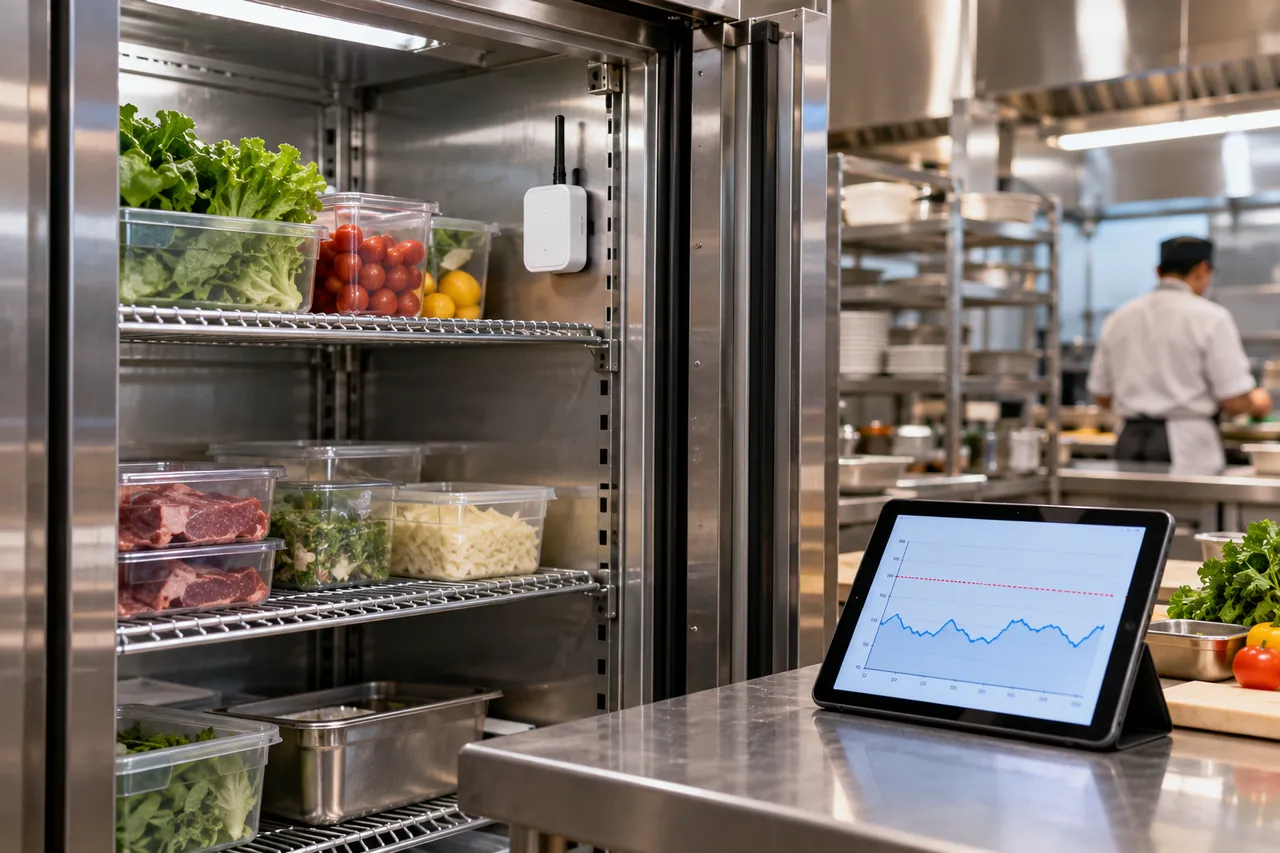
A wireless temperature sensor measures temperature, usually every 1–15 minutes, and sends readings by WiFi, Bluetooth, LoRaWAN or cellular radio to a phone or cloud dashboard that raises alarms. For fridges, freezers and cold rooms choose an external probe accurate to ±0.5 °C (±1 °F), a radio that penetrates steel panels, and SMS or call alerts with a 15–60 minute delay.
Key takeaways
- Wireless temperature sensors report every 1–15 minutes and send alarms by SMS, call, email or app.
- WiFi reaches about 15–30 m indoors; LoRaWAN and other sub-GHz radios pass steel panels better and run 3–10 years on a battery.
- Mount the radio unit outside a fridge or cold room and run the probe inside on a flat cable.
- The CDC recommends digital data loggers with buffered probes, ±0.5 °C (±1 °F) accuracy and readings at least every 30 minutes for vaccines.
- Set freezer alarms around −15 °C to −12 °C (5–10 °F) and chiller alarms around +5 °C to +8 °C (41–46 °F) with a 15–60 minute delay.
What is a wireless temperature sensor?
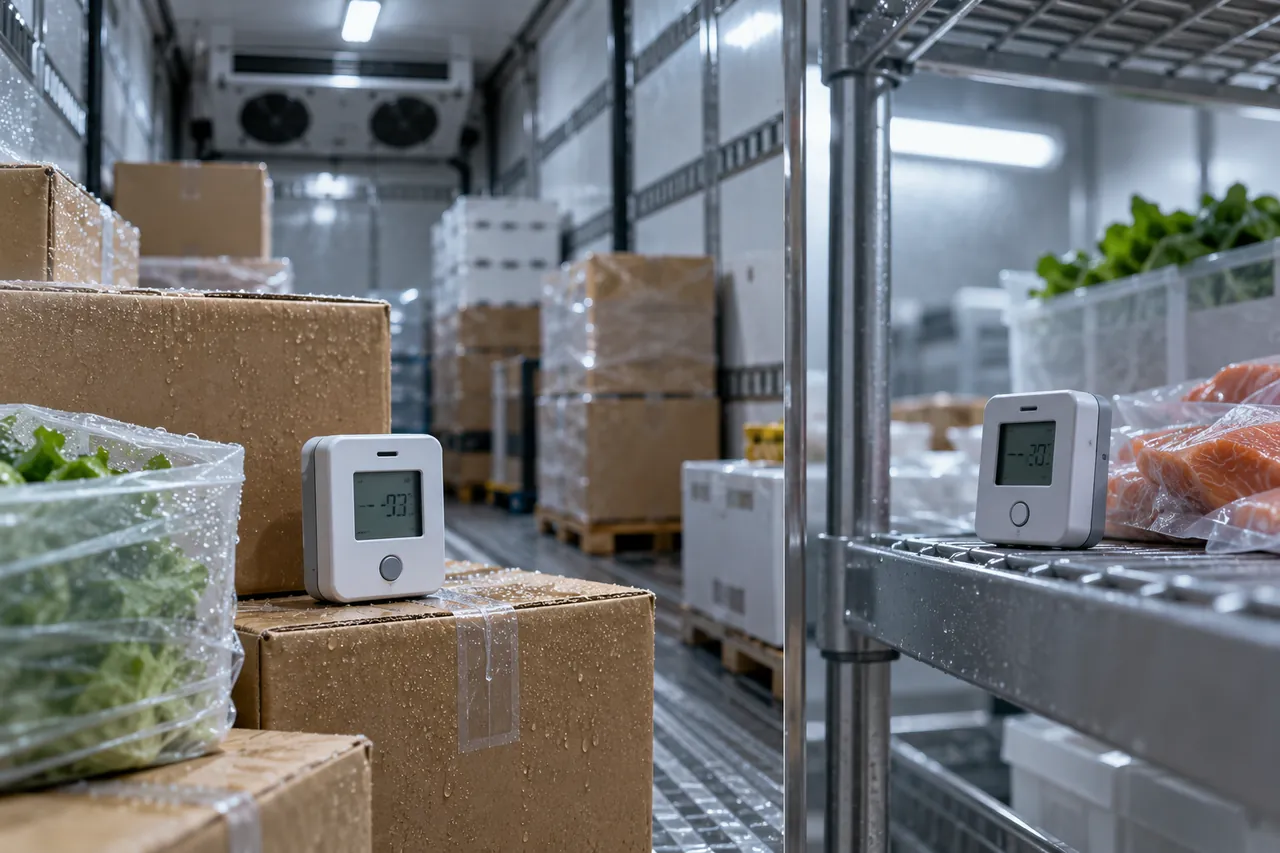
A wireless temperature sensor is a battery- or mains-powered sensing unit that measures temperature and sends each reading by radio, over WiFi, Bluetooth, LoRaWAN, Zigbee or cellular networks, to a gateway, phone or cloud dashboard. Paired with alarm rules and software, a set of sensors becomes a remote temperature monitoring system that tells you a freezer is warming before the stock is lost.
For food businesses and cold store operators, the value is time. A manual temperature log is checked twice a day; a wireless sensor checks every 1–15 minutes and calls someone at 2 a.m. when a compressor trips. This guide compares the radio technologies and sensor options. For alarm limits, delays and escalation, see our guide to freezer temperature alarms, and for the overall cold room monitoring design see cold room temperature monitoring systems.
WiFi, Bluetooth, LoRaWAN or cellular: which radio should you use?
Use WiFi for a few fridges in one building with reliable internet, Bluetooth for a phone-in-range check of reach-ins and vans, LoRaWAN for large or concrete-walled cold stores with many sensors, and cellular (NB-IoT, LTE-M or 4G) where there is no reliable WiFi or the site is remote. The radio decides range, battery life and how alarms reach you.
| Radio | Typical indoor range | Battery life (typical) | Needs | Best for |
|---|---|---|---|---|
| WiFi (2.4 GHz) | 15–30 m (50–100 ft) through 1–2 walls | 6–18 months, or mains powered | Site WiFi, router password, internet | Restaurants, shops, small cold rooms |
| Bluetooth Low Energy | 10–50 m (30–160 ft) line of sight | 1–3 years | Phone app or Bluetooth gateway | Reach-ins, display cases, delivery vans |
| LoRaWAN / sub-GHz radio | Hundreds of metres indoors, km outdoors | 3–10 years | Gateway with internet or cellular backhaul | Warehouses, multi-room cold stores, campuses |
| Zigbee / Z-Wave mesh | 10–30 m per hop, meshed | 1–2 years | Hub; mains devices to extend mesh | Smart-building integration, offices |
| Cellular NB-IoT / LTE-M / 4G | Wherever there is mobile coverage | 2–5 years (NB-IoT), months (4G) | SIM and data plan | Remote sites, outdoor freezers, trucks |
Two things often decide the choice in cold storage. First, a cold room or a freezer cabinet is a metal box; steel-faced panels behave like a Faraday cage and can cut a 2.4 GHz WiFi signal to nothing. Second, WiFi is power-hungry and depends on a router that may be on the same circuit that just failed. Sub-GHz radios such as LoRaWAN penetrate panels and concrete far better and run for years on a battery, which is why most dedicated cold chain temperature monitoring systems use them with a cellular gateway.
Getting a signal out of a fridge or cold room
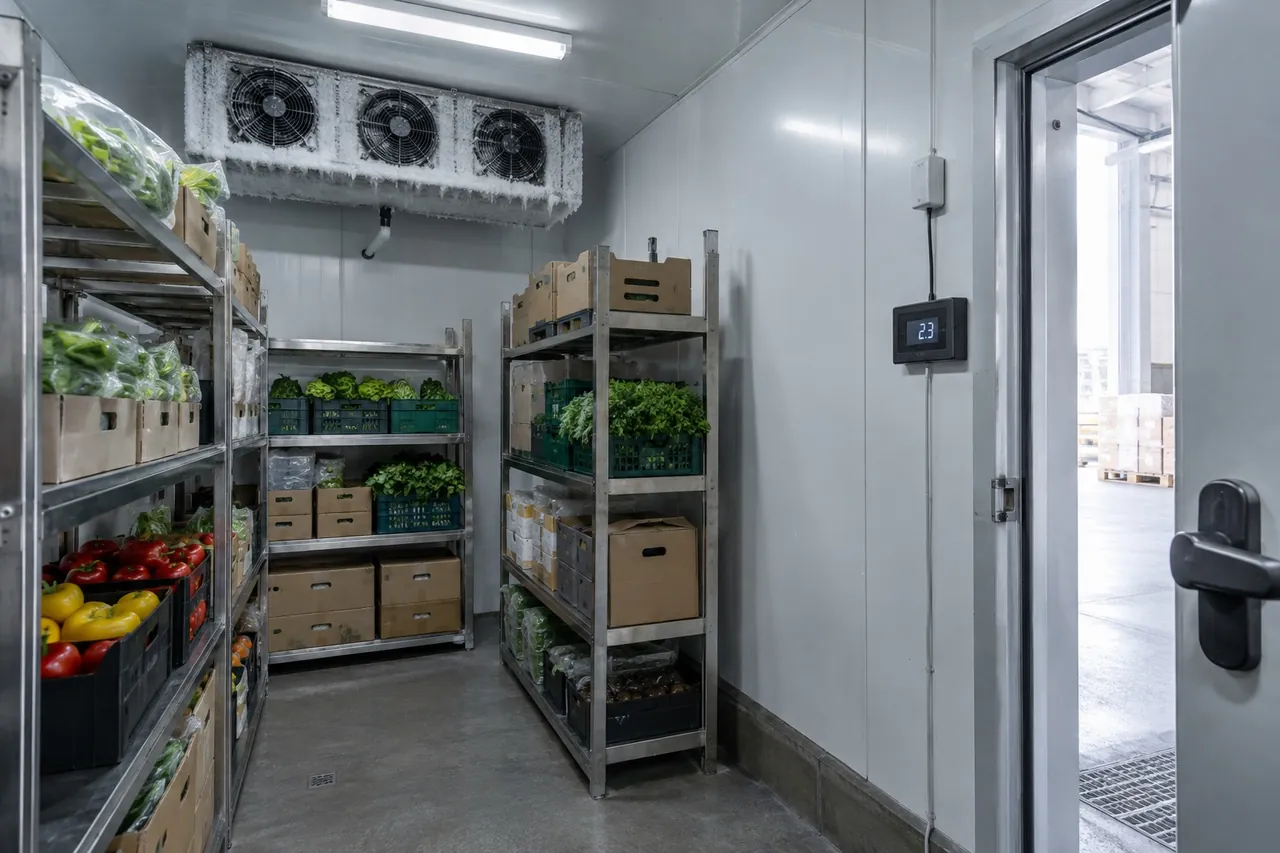
- Mount the radio unit outside the cabinet or room and run a probe inside on a flat ribbon cable under the door gasket, or through a sealed cable gland in the panel.
- Choose a gateway with battery backup and cellular backhaul so alarms still go out during a power cut or internet outage.
- Test signal strength at every sensor location with the doors shut before you fix anything permanently.
Which sensor type is inside a wireless temperature monitor?
Most wireless temperature monitors use a thermistor (NTC) or digital semiconductor sensor for −40 °C to +85 °C, an RTD (Pt100 or Pt1000) for higher accuracy and stability, or a thermocouple for very high or very low temperatures. The table below shows what each means in practice.
| Sensor | Typical range | Typical accuracy | Notes |
|---|---|---|---|
| Digital / semiconductor (internal) | −40 °C to +85 °C (−40 °F to 185 °F) | ±0.3–0.5 °C | Cheap, built into the housing; reads air near the unit |
| NTC thermistor probe | −50 °C to +105 °C (−58 °F to 221 °F) | ±0.2–0.5 °C | Standard for fridges, freezers and cold rooms |
| RTD temperature sensor (Pt100/Pt1000) | −200 °C to +500 °C (−328 °F to 932 °F) | ±0.1–0.3 °C | Very stable; used for pharma and ultra-low freezers |
| Thermocouple (type K or T) | −200 °C to +1,000 °C+ | ±0.5–2 °C | Ovens, dry ice, cryogenic; less accurate at cold-chain temperatures |
| Infrared temp sensor | Surface only | ±1–2 °C | Non-contact; not suitable for cold-room air logging |
An RTD, thermistor and thermocouple are compared in depth in our guide to RTD vs thermocouple vs thermistor sensors.
Ambient, probe and core sensors
An ambient temperature sensor measures the air around it. Its job in refrigeration is to report room or cabinet air temperature, or the outside air temperature that affects the condenser. An outdoor temperature sensor on a monitoring system helps explain why a condensing unit struggled on a 40 °C (104 °F) afternoon. A probe sensor reads a specific point, such as the air in the evaporator return or a glycol bottle among product. A core temperature sensor goes into the food itself, as in a blast chiller probe.
Which temperature monitoring device is recommended by the CDC?
For vaccine storage, the CDC recommends a digital data logger (DDL) for every storage unit, with a buffered probe, a detachable probe, an alarm for out-of-range temperatures, a display of current, minimum and maximum readings, accuracy of ±0.5 °C (±1 °F), a low-battery indicator, a logging interval of no more than 30 minutes and a valid certificate of calibration testing. Many wireless sensors meet this specification.
Food businesses are not bound by the CDC vaccine rules, but the same features make sense for any high-value cold store. The FDA Food Code requires temperature measuring devices for cold holding units to be accurate to ±1.5 °C (±3 °F) and located to measure the warmest part of the unit. A buffered probe reads close to product temperature and ignores short air spikes from door openings and defrost. For vaccine and pharmaceutical storage specifically, see our guide to pharmaceutical cold chain and vaccine storage.
How do you set up a WiFi temperature monitor for a fridge or freezer?
Set up a wifi temperature monitor by connecting it to your network before installation, placing the probe where product is most at risk, setting alarm limits with a delay, and then testing that an alarm actually reaches a phone.
- Check that your WiFi is 2.4 GHz and reaches the fridge or cold room door with a strong signal; many sensors cannot use 5 GHz networks.
- Pair the sensor with the app or gateway on a bench, name it clearly ("Walk-in freezer 2 – rear shelf") and set the reporting interval, usually 5–15 minutes.
- Mount the transmitter outside the cabinet and route the probe inside under the gasket or through a cable gland. In a cold room, fix the probe at product height near the door, away from the evaporator discharge.
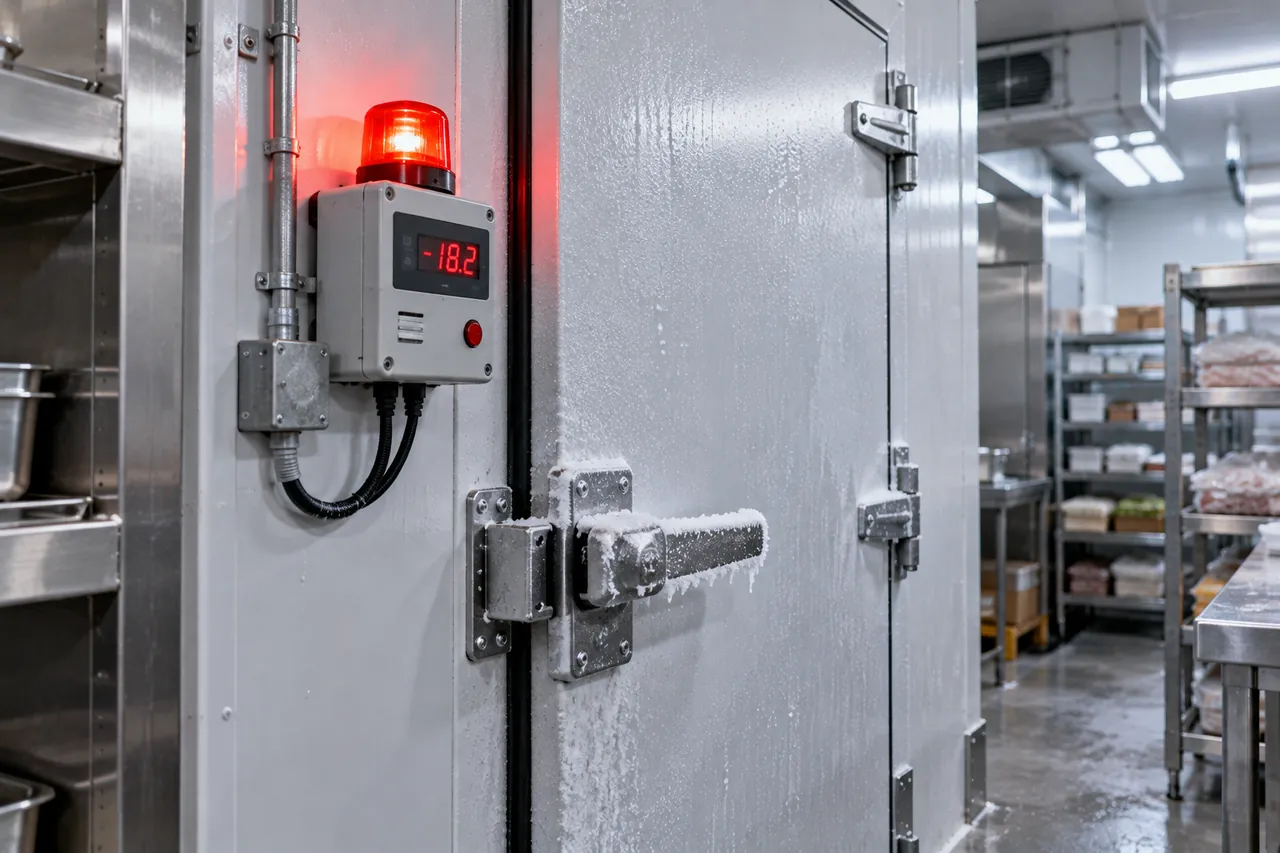
- Set alarm limits: for a chiller, about +5 °C to +8 °C (41–46 °F); for a freezer, about −15 °C to −12 °C (5–10 °F), with a 15–60 minute delay to ride through defrost.
- Add at least two recipients and a call or SMS escalation, not app notifications only.
- Test: open the door or warm the probe in your hand until the alarm fires, and confirm every recipient received it.
- Repeat the test monthly and after any router, password or staff change.
A wifi temperature and humidity sensor adds relative humidity, which is useful in produce rooms and dry stores. Read our guide to humidity in cold storage before relying on RH readings near saturation.
What should IoT monitoring software do?
Good IoT monitoring software stores every reading securely, shows live and historical graphs, sends alarms by several channels with escalation, records who acknowledged each alarm and what was done, and exports reports your auditor accepts.
- Alarm channels: SMS, voice call, email and app push, with escalation to a second person after 10–30 minutes unacknowledged.
- Offline alerts: a warning when a sensor or gateway stops reporting, often more important than a temperature alarm.
- Records: audit trail, corrective-action notes, PDF or CSV reports; for regulated pharmaceutical work, 21 CFR Part 11 or EU GDP compliant record keeping.
- Data ownership: check how long data is kept, export options and what happens if the subscription lapses.
- Multi-site view: one dashboard for all stores, kitchens or depots in a chain.
Subscriptions commonly run per sensor per month or per year. As an indicative guide, consumer WiFi sensors cost about US$20–60 each with free apps, while commercial wireless sensors cost about US$80–300 each plus a gateway and an annual software fee. Prices depend on market, radio type and certification.
Why do wireless temperature sensors fail or give false alarms?
Wireless temperature sensors usually fail because of lost connectivity, flat batteries, poor probe placement or alarm limits set without a delay, not because the sensor itself is broken.
| Problem | Usual cause | Fix |
|---|---|---|
| Sensor goes offline | Radio unit inside a metal cabinet or cold room; router changed | Mount transmitter outside; use sub-GHz radio; re-pair after network changes |
| Alarms at every defrost | Probe in evaporator air stream; no alarm delay | Move probe; buffer it; add a 30–60 minute delay |
| Battery dies within months | Lithium cells in −25 °C air; short reporting interval | Keep battery unit outside; use 10–15 minute interval |
| Reading differs from the controller display | Different locations; calibration drift | Compare both against a calibrated reference thermometer |
| Nobody responds at night | App notifications muted; single recipient | Voice-call escalation to two or three people |
Check sensors against a reference every 6–12 months as described in our guide on how to calibrate a thermometer, and replace batteries on a schedule rather than waiting for a warning.
How to choose wireless temperature sensors: checklist
Choose wireless temperature sensors by matching the radio to the building, the probe to the product and the alarm path to the people who will respond.
- Building: steel cold rooms or many rooms → LoRaWAN or another sub-GHz radio with a cellular gateway; a few fridges with good WiFi → WiFi sensors.
- Probe: external NTC or RTD probe on a flat cable, buffered for vaccines or high-value stock; range at least −40 °C to +60 °C.
- Accuracy: ±0.5 °C (±1 °F) or better, with a traceable calibration certificate.
- Power: battery life of 2 years or more at your reporting interval; gateway with battery backup.
- Alarms: limits plus delay, offline alerts, SMS and voice escalation, acknowledgement log.
- Records: local memory backup in each sensor, exportable reports, data retention that meets your HACCP or GDP needs.
Be There does not sell sensors, but we supply the cold equipment they watch. Our walk-in coolers and freezers come with a digital controller; ask our engineers about controller options and a sealed probe entry when you send your inquiry. Our display freezers and display fridges can also be ordered with remote-monitoring-ready controllers on request. Send room or cabinet sizes, temperatures and voltage through the inquiry form and we will quote FOB, CIF or DDP.