Short answer
A temperature data logger is a battery-powered recorder that stores time-stamped temperature readings, typically every 5–15 minutes, for months. For fridges, freezers and cold rooms choose ±0.5 °C (±1 °F) accuracy, an external probe, a range of −30 °C to +70 °C and a calibration certificate. USB loggers suit records only; wireless loggers add real-time alarms.
Key takeaways
- A temperature data logger records time-stamped readings, typically every 5–15 minutes, so you can prove what a product experienced.
- Aim for ±0.5 °C (±1 °F) accuracy; the FDA Food Code requires ±1.5 °C (±3 °F) for cold-holding air thermometers.
- At a 5-minute interval a logger makes 288 readings a day, so a 32,000-point memory lasts about 111 days.
- USB loggers are cheapest for records; WiFi, LoRa or cellular wireless loggers add SMS and app alarms.
- Single-use shipping loggers last 30–90 days and should be read before the receiving dock accepts the load.
- Re-certify or replace calibrated loggers every 12 months and replace batteries before they go flat.
What is a temperature data logger?
A temperature data logger is a small battery-powered device with a sensor, a clock and memory that records temperature at fixed intervals, for example every 5, 15 or 30 minutes, so you can prove later what temperature a product or room actually experienced. Unlike a thermometer, which only shows the temperature now, a temperature logger keeps a time-stamped history of thousands of readings.
Food businesses, cold store operators, distributors and pharmacies use temperature data loggers for three jobs: proving compliance (HACCP records, vaccine storage, EU GDP), finding problems (a cold room that warms up every night during defrost, a truck that drifts on long routes) and settling disputes (a customer claims a frozen load arrived soft). A logger is also called a temperature recorder, temp logger or data logger thermometer when it has a display.
This guide is about choosing and using the logger itself. For how loggers fit into a full alarm and monitoring setup for a walk-in, see our guide to the cold room temperature monitoring system.
What types of data loggers are there?
There are six common types of data loggers for cold chain work: USB loggers, single-use shipping loggers, Bluetooth loggers, WiFi or cellular wireless loggers, multi-channel thermocouple loggers and combined temperature and humidity loggers. They differ mainly in how you get the data out and how many sensors they carry.
| Logger type | How data is retrieved | Typical use | Real-time alarm? |
|---|---|---|---|
| USB temperature data logger | Plug into a PC; software or auto-generated PDF report | Fridges, freezers, cold rooms, audits, reusable shipping | Only a local LED or buzzer |
| Single-use (disposable) logger | USB/PDF on arrival, or NFC read by phone | One-way shipments of food, produce, pharmaceuticals | No (shows alarm status on arrival) |
| Bluetooth data logger | Phone app within about 10–50 m (30–160 ft) | Reach-ins, display cases, vans, small stores | Only when a phone or gateway is in range |
| WiFi / cellular wireless data logger | Uploads automatically to a cloud dashboard | Cold rooms, warehouses, multi-site chains, pharmacies | Yes: SMS, email, app, call |
| Multi-channel thermocouple logger | PC software, often 4–16 channels | Blast freezer validation, cooking and cooling studies, mapping | Usually no |
| Temperature and humidity logger | Any of the above | Produce rooms, dry stores, pharma warehouses | Depends on model |
USB loggers
A USB temperature data logger is the workhorse: about the size of a memory stick, it records 16,000–60,000 readings on a coin or lithium cell lasting about one to two years, and many models create a PDF report when plugged in, so no software is needed. Download it weekly, sign the report and file it with your HACCP records.
Single-use shipping loggers
A single use temperature data logger is started at dispatch, travels with the goods and is read at the receiving dock. Typical life is 30, 60 or 90 days. These are the standard temperature logger for shipping reefer containers, airfreight pharmaceuticals and mixed loads, because nobody has to return the device.
Wireless loggers
A wireless data logger sends each reading to a gateway or directly to the internet, so you see the room on a phone and receive alarms when it drifts. It still stores data locally, so a network outage does not leave a gap. The radio options are compared in our guide to wireless and WiFi temperature sensors.
Thermocouple loggers
Thermocouple data loggers accept several plug-in probes and are built for short studies: proving that a blast chiller brings a full load from +70 °C to +3 °C (158 °F to 37 °F) in 90 minutes, or mapping a cold room with 9–15 sensors at once. A multi channel thermocouple data logger with 4, 8 or 16 channels is also the tool used for high temperature data logger work such as ovens and cooking validation, because type K thermocouples read up to about 1,000 °C (1,830 °F).
Which specifications matter on a temperature logger?
The specifications that matter most are accuracy, measuring range, logging interval, memory, battery life and whether the sensor is internal or on an external probe. Resolution (the smallest step shown, such as 0.1 °C) is not the same as accuracy and is often over-sold.
| Specification | Good value for food cold chain | Good value for vaccines / pharma | Why it matters |
|---|---|---|---|
| Accuracy | ±0.5 °C (±1 °F) or better | ±0.5 °C (±1 °F), with calibration certificate | The FDA Food Code requires ±1.5 °C (±3 °F) for cold-holding air thermometers and ±1 °C (±2 °F) for food thermometers |
| Range | −30 °C to +70 °C (−22 °F to 158 °F) | −40 °C to +60 °C; dry ice models to −80 °C | Must cover freezer, defrost peaks and transport extremes |
| Logging interval | 5–15 minutes | Every 5–30 minutes (CDC guidance: at least every 30 minutes) | Short enough to catch door-open and defrost events |
| Memory | 16,000+ readings | 30,000+ readings | 16,000 readings at 15 minutes ≈ 166 days |
| Battery life | 1–2 years, replaceable | 1–2 years, low-battery warning | A flat battery is the most common cause of missing records |
| Sensor | External probe on a flat cable through the door seal | Buffered probe in glycol or glass beads | Reads product-like temperature, not air spikes |
| Protection | IP65–IP67 | IP65 or higher | Survives washdown and condensation |
To size memory, divide readings by readings per day. At a 5-minute interval a logger makes 288 readings a day, so a 32,000-point memory fills in about 111 days; at 15 minutes (96 a day) it lasts about 333 days. If you download monthly, any logger above about 10,000 points is enough at 5 minutes.
For food and pharma use, buy calibrated temperature loggers that ship with a certificate traceable to a national standard, and plan to re-certify or replace them every 12 months; our guide on how to calibrate a thermometer explains quick in-house checks between certificates. In Europe, recorders used for frozen food in storage and transport should comply with EN 12830; pharmaceutical users working under EU GDP (2013/C 343/01) and US users keeping electronic records under 21 CFR Part 11 need software with audit trails and protected files.
When do you need a temperature and humidity logger?
You need a temperature and humidity logger when moisture affects the product or the building: fresh produce rooms, dry stores, flour and chocolate storage, packaging stores, pharmaceutical warehouses and any cold room that keeps forming condensation or ice. For a plain freezer of frozen food, temperature alone is enough.
A humidity data logger uses a capacitive relative humidity (RH) sensor, typically accurate to ±2–3% RH between 10% and 90% RH. Accuracy drops near saturation, and sensors left in rooms at 95–100% RH, such as leafy-green coolers, drift and need checking every 6–12 months. Our guide to humidity in cold storage lists target RH by product and how to control it.
How do you use a temperature logger correctly?
Use a temperature logger by setting it up before it is needed, placing it where the product is most at risk, and downloading and reviewing the data on a fixed schedule. Most bad records come from wrong placement or from nobody looking at the data.
- Configure: set the logging interval (5–15 minutes for rooms, 5–10 minutes for shipments), the time zone, high and low alarm limits and a start mode (immediate, delayed or button start).
- Label and record: write the logger serial number, location and start time on your temperature log or shipping document.
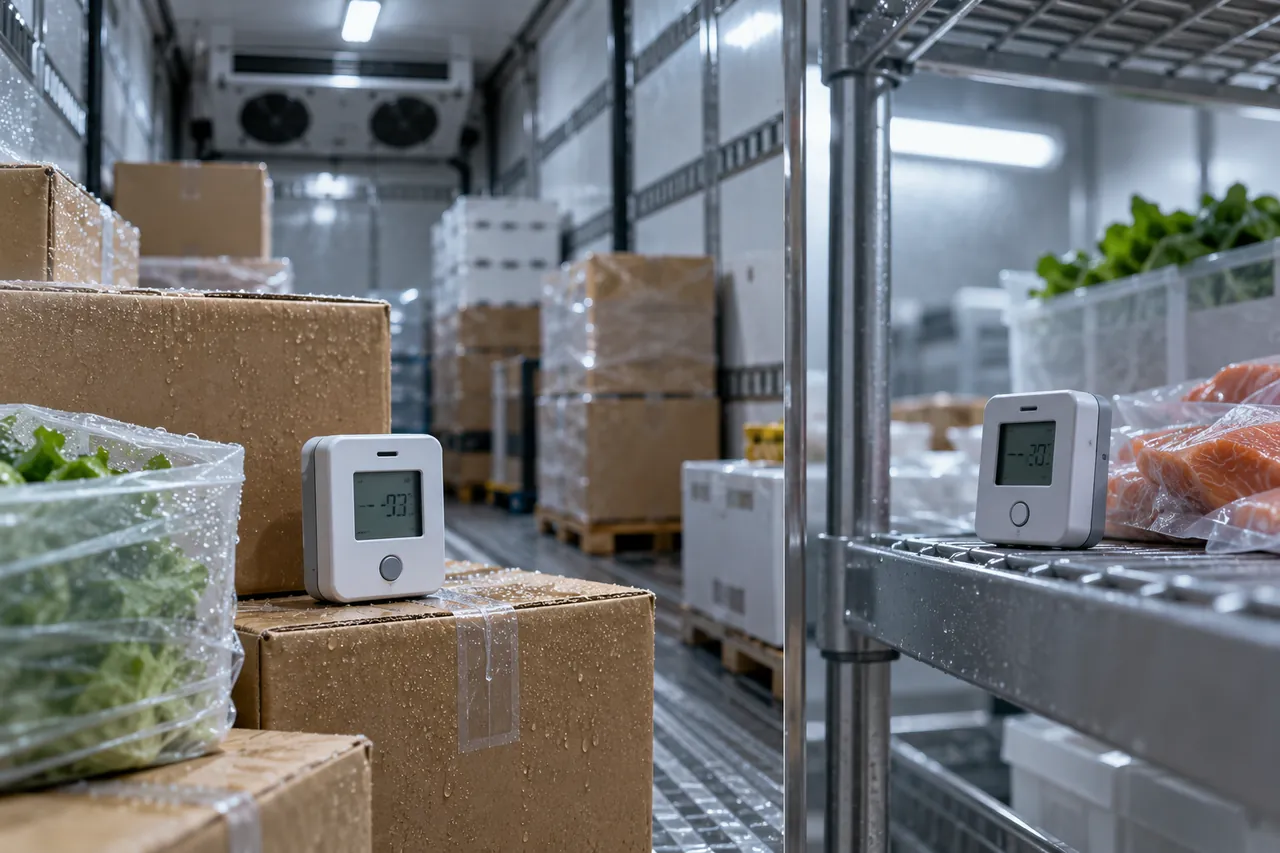
- Place it correctly: in a cold room, mount it at product height near the warmest point, usually close to the door and away from the evaporator's discharge air. In a reach-in, place it on a middle shelf among product, not against the back wall. In a truck, put shipping loggers in the top rear of the load, where temperatures are highest.
- Allow stabilisation: start the logger at the storage temperature, or ignore the first 15–30 minutes of data.
- Download and review: download weekly for rooms, or at every delivery for shipments. Check maximum, minimum, mean and time spent above the limit, not just whether it alarmed.
- Act and file: record corrective actions next to any excursion and keep records for the period your regulator or customer requires, commonly 1–3 years for food and longer for pharmaceuticals.
Short spikes of air temperature during deliveries and defrost are normal. A probe in a glycol bottle, or a temperature probe data logger clipped into a product simulant, gives readings closer to what the food actually experiences, which avoids chasing harmless air spikes. If you want to know where the warm and cold spots in a room are before choosing locations, map it first as described in our guide to warehouse temperature mapping.
How do you read and interpret logger data?
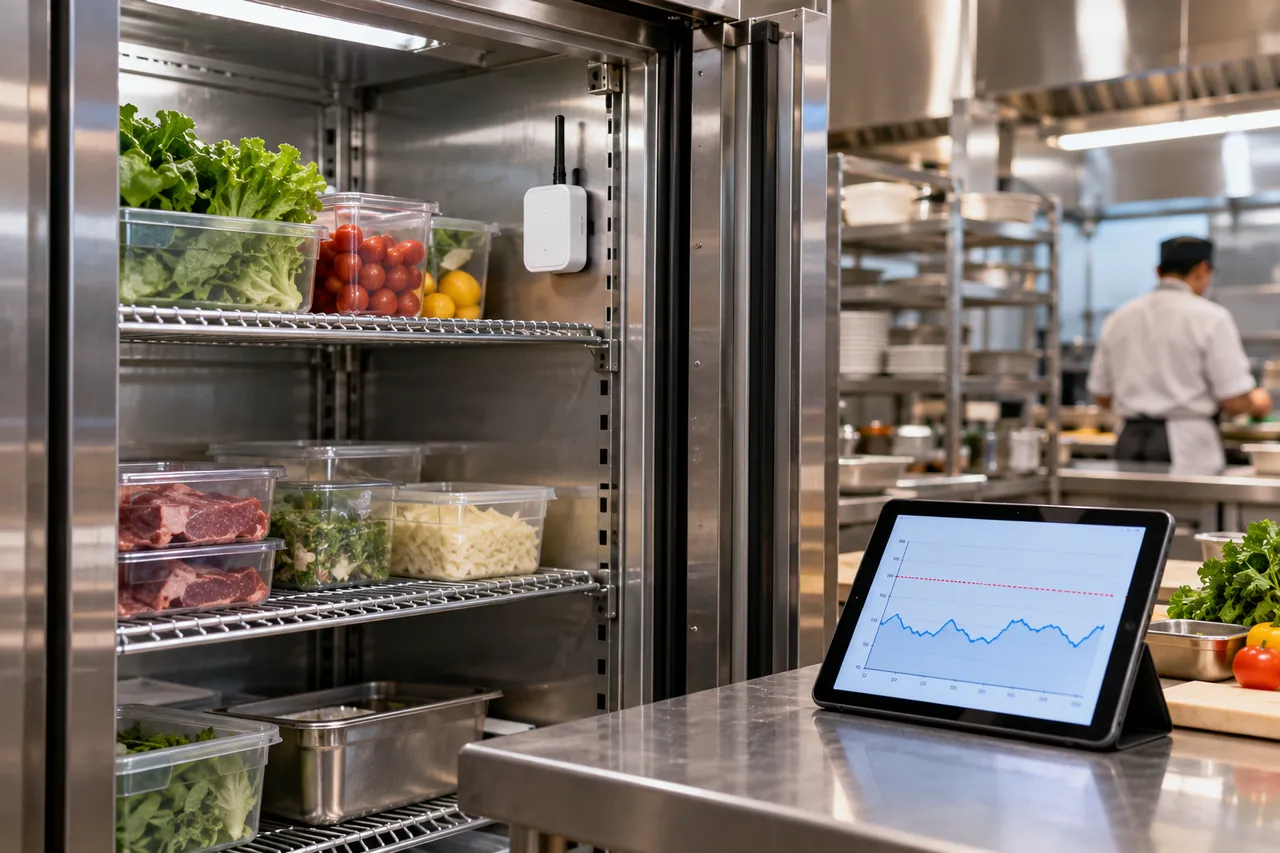
Read logger data by looking at the pattern, not single points: a healthy cold room shows a regular sawtooth as the compressor cycles, with small peaks every few hours at defrost, and a quick recovery after door openings.
| Pattern on the graph | Likely cause | What to check |
|---|---|---|
| Regular peaks of 3–8 °C lasting 15–30 minutes, 2–4 times a day | Normal defrost cycles | Nothing, if product temperature stays in limit |
| Sharp peaks during working hours only | Door openings, deliveries | Door discipline, strip curtains, door closer |
| Slow upward creep over days | Iced evaporator, dirty condenser, refrigerant loss | Coils, defrost, service visit |
| Long flat plateau above limit | Power cut or unit failure | Power supply, controller, alarm response time |
| Readings below 0 °C in a chiller | Thermostat set too low or logger near evaporator outlet | Setpoint, logger placement |
A worked example: a +3 °C (37 °F) walk-in shows peaks to +9 °C (48 °F) every 6 hours. The peaks last 20 minutes and a buffered probe beside the logger rises only to +4.5 °C (40 °F). That is defrost, and the food is safe. If the same peaks lasted 2 hours, the defrost termination or evaporator fan delay needs adjusting, which our walk-in freezer and cooler troubleshooting guide covers.
How do you use a temperature logger for shipping?
For shipping, start a single-use or reusable logger at the point of loading, place it with the product, write its serial number on the bill of lading and read it before the receiving dock signs for the goods. A logger read after acceptance is far weaker evidence in a claim.
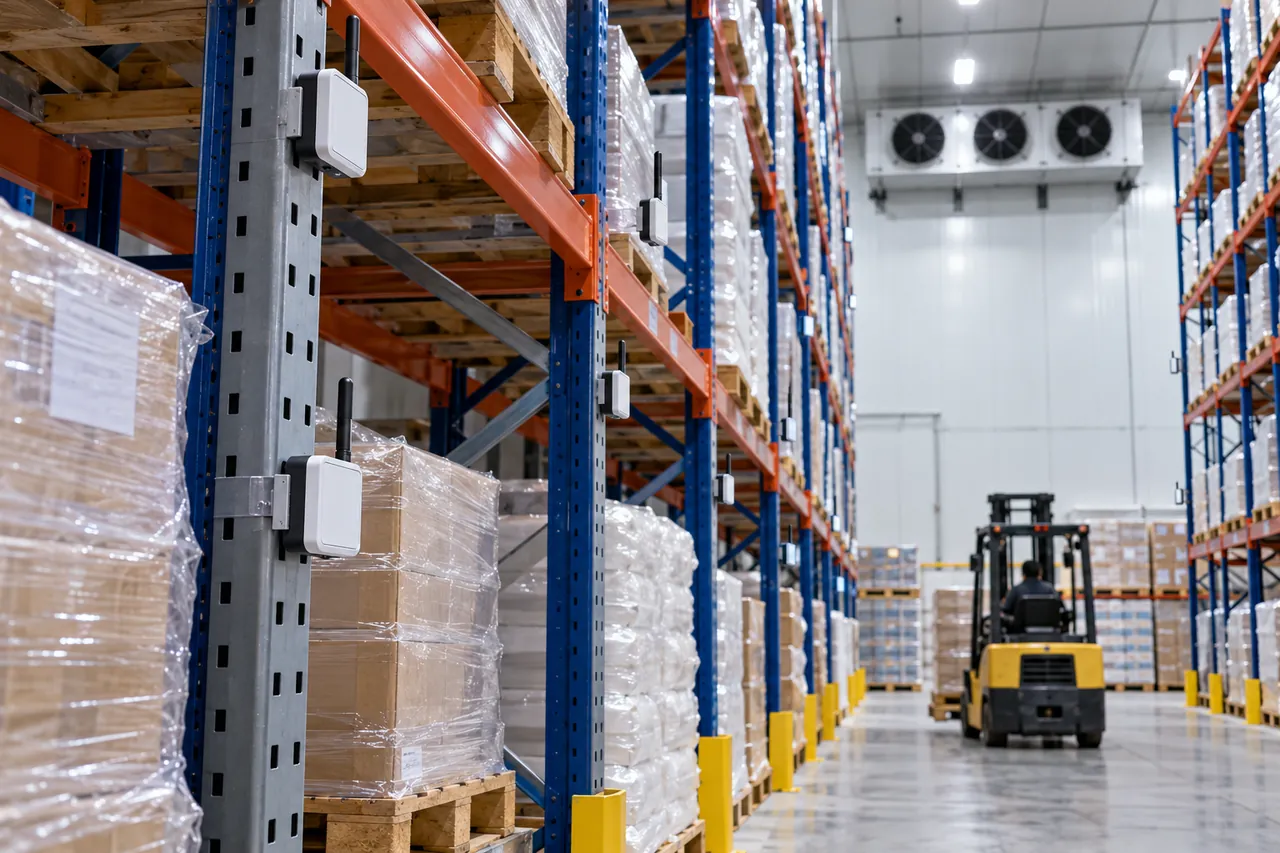
- Use one logger per pallet position for high-value or pharmaceutical loads, or at least one at the rear top and one at the front of a reefer.
- Pre-cool loggers to the cargo temperature, otherwise the first hour shows a false excursion.
- For frozen food, set the high alarm at about −15 °C (5 °F) for transport; for chilled food at +5 °C (41 °F) or the shipper's specification.
- For dry-ice shipments, use a logger rated to −80 °C (−112 °F) with an external probe, since many standard loggers stop at −30 °C or −40 °C.
See our guides to how to ship frozen food for packing methods, refrigerant choice and vehicle temperatures.
What does a temperature data logger cost?
As an indicative guide, simple USB loggers cost roughly US$20–100, single-use shipping loggers about US$5–30 each, Bluetooth loggers about US$30–150, and WiFi or cellular wireless loggers about US$80–400 per sensor plus a cloud subscription. Multi-channel thermocouple loggers run from a few hundred to several thousand dollars. Prices vary by market, accuracy class and certification.
Calibration certificates add cost: an accredited multi-point certificate typically costs more than a basic factory certificate. For a cold room that holds a few thousand dollars of stock, a calibrated USB or wireless logger is cheap insurance; for vaccines, a certified digital data logger is required rather than optional.
How to choose a temperature data logger: checklist
Choose a temperature logger by deciding first whether you need live alarms; if you do, buy wireless, and if you only need records, a USB logger is cheaper and simpler.
- Records only, read weekly: USB logger with PDF report, external probe, ±0.5 °C.
- Live alarms for a cold room or freezer: WiFi, LoRa or cellular wireless logger with SMS and app alerts and local memory backup.
- One-way shipments: single-use logger with alarm indication, 30–90 day life.
- Validation or mapping: multi-channel thermocouple logger or a set of identical, calibrated loggers.
- Produce, dry goods, pharma: temperature and humidity logger with ±3% RH or better.
- Always: traceable calibration certificate, replaceable battery, software or report your auditor accepts, IP65+ housing.
A logger only records what the refrigeration does. Be There supplies walk-in cold rooms with a digital controller that shows and controls room temperature, and these can be specified with a monitoring-ready controller or alarm outputs for the logger system you choose. We also supply blast chillers and shock freezers with core probes for cooling records. Be There does not sell loggers; send room size, temperature, product and voltage through the inquiry form and we will quote the cold room or freezer FOB, CIF or DDP.